I Thought My API Was Fast - Then I Checked the SQL Logs
How I dealt with N+1 problem in JPA and Hibernate by using JOIN FETCH, Indexing and pagination
Gajanan Rathod
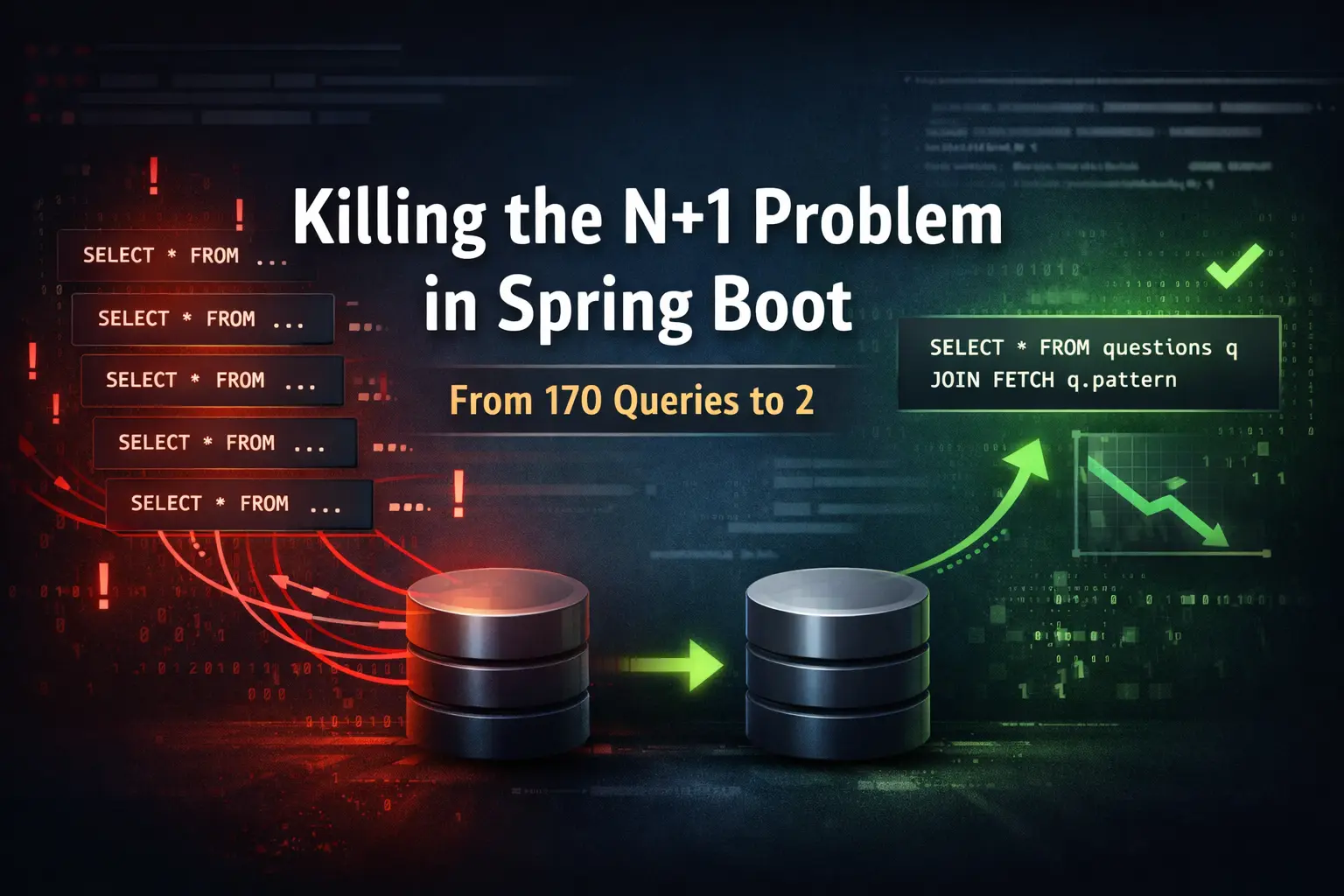
Performance bugs are funny.
Your API *works*. Postman shows a 200. The UI loads… eventually.
And yet - something feels off.
This is the story of how a seemingly normal Spring Boot endpoint was silently firing **170+ database queries**, and how fixing it dropped response time by **80%** with just a few targeted changes.
---
The Symptom: “Why does this feel slow?”
I had an endpoint:
```bash GET /api/v1/questions ```
From the frontend perspective:
- The screen stayed blank for a moment - Then everything popped in at once - On slower networks, it felt worse
Nothing was “broken”, but the experience wasn’t smooth.
So I stopped guessing and did the obvious thing:
**I checked the SQL logs.**
---
The Discovery: Hello, N+1 👋
After enabling SQL logging:
```yaml spring: jpa: show-sql: true ```
I hit `/questions` once.
What I expected:
- 1 query
What I got:
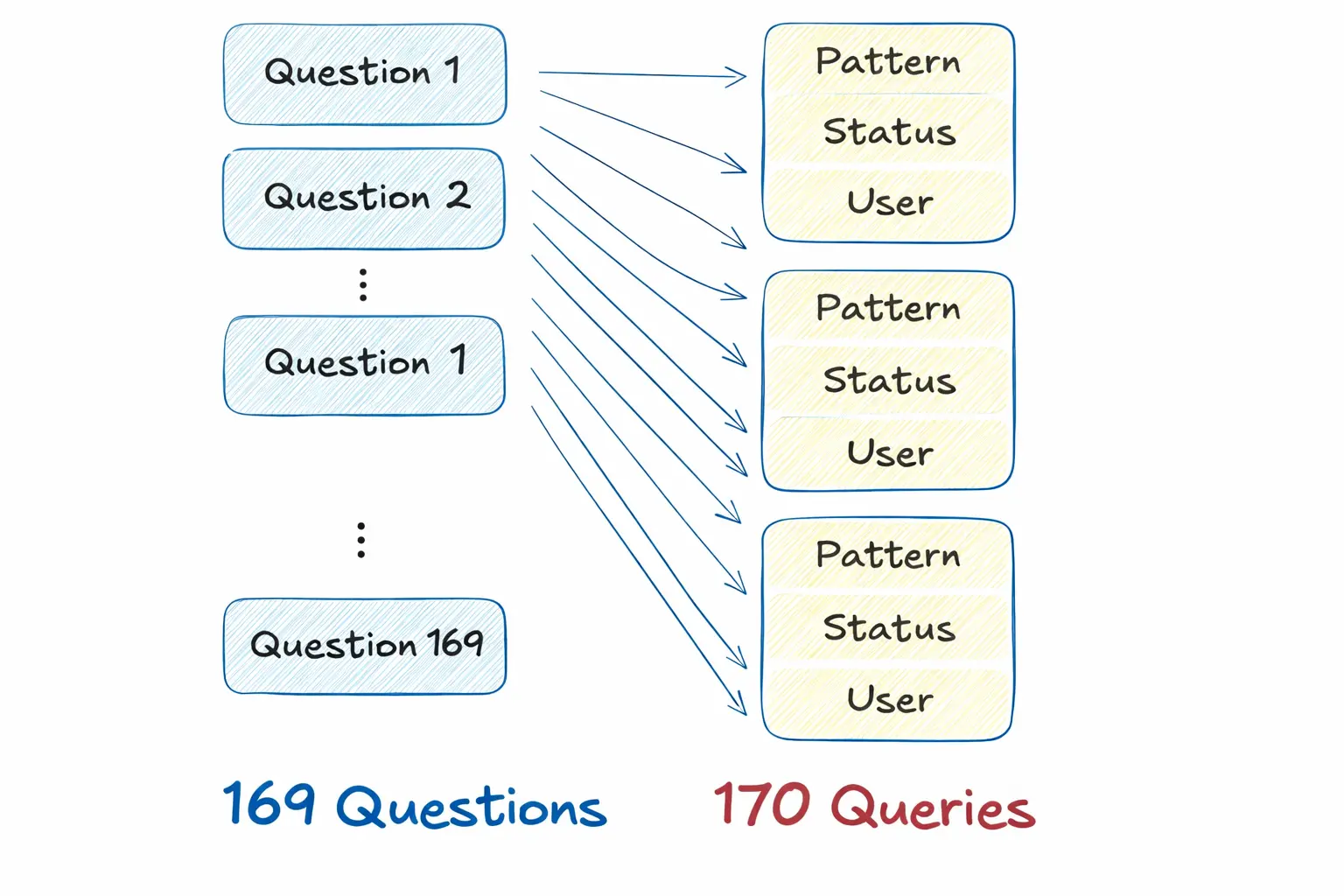
- **170+ SELECT statements**
One query to fetch questions
Then **one query per related entity**
Classic **N+1 problem**.
If you’re not familiar:
> N+1 happens when JPA lazily loads relations in a loop, causing one query for the main entity and N additional queries for its relations. >
In my case:
- ~169 questions - ~170 extra queries - One request = DB chaos
---
Backend Fix #1: Killing N+1 with JOIN FETCH
The first fix was straightforward.
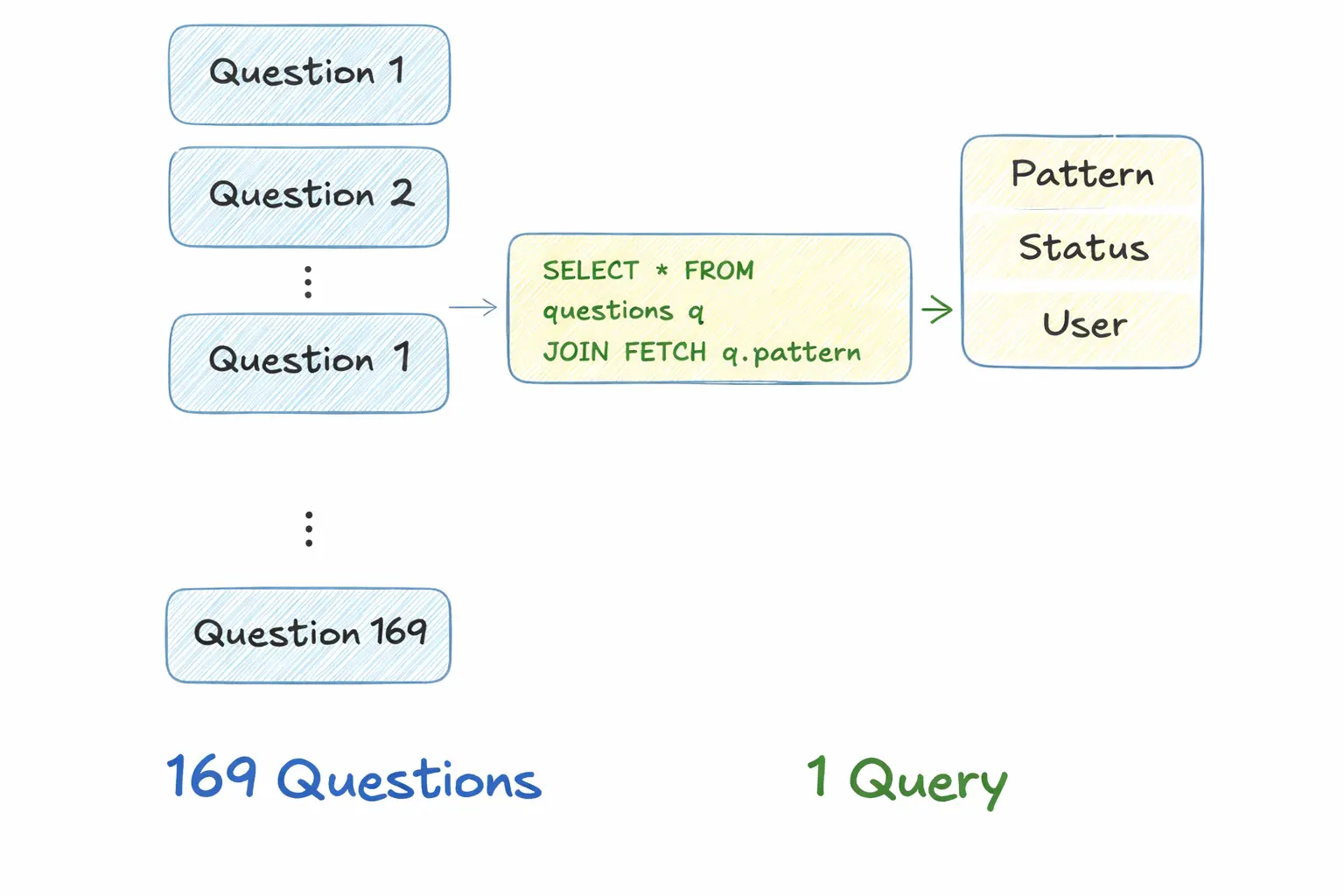
Instead of relying on lazy loading, I explicitly fetched required relations using `JOIN FETCH`.
**Before (simplified):**
```java List<Question> findAll(); ```
**After:**
```java @Query(""" SELECT q FROM Question q JOIN FETCH q.pattern """) List<Question> findAllWithPattern(); ```
Result:
- One query instead of hundreds - No lazy loading surprises
---
Backend Fix #2: Pagination (because reality)
Fetching everything at once was unnecessary.
So I added pagination support in the controller:
```java GET /api/v1/questions?page=0&size=20 ```
This:
- Reduced DB load - Reduced memory usage - Made the API future-proof
---
Backend Fix #3: Lightweight Status Map Endpoint
Another issue:
The frontend only needed **status info** for user-questions - not full objects.
So instead of returning heavy entities, I added a **status-map endpoint**:
```json { "questionId": "COMPLETED" } ```
This reduced payload size by **~95%** and removed unnecessary serialization overhead.
---
Backend Fix #4: Database Indexes (small change, big win)
Finally, I added indexes on frequently queried columns:
```sql CREATE INDEX idx_user_id ON user_questions(user_id); CREATE INDEX idx_question_id ON user_questions(question_id); ```
Nothing fancy - just respecting how databases actually work.
---
Frontend Fix: Perceived Performance Matters
Even after backend optimizations, I focused on UX.
Skeleton Loaders
Instead of a blank screen:
- Skeleton shimmer loads immediately - Content fades in smoothly
Smart Fetching
- Questions fetched with pagination - Status fetched via lightweight endpoint - Cached where possible
The UI felt faster even before the network finished.
---
The Results (This Is the Part That Matters)
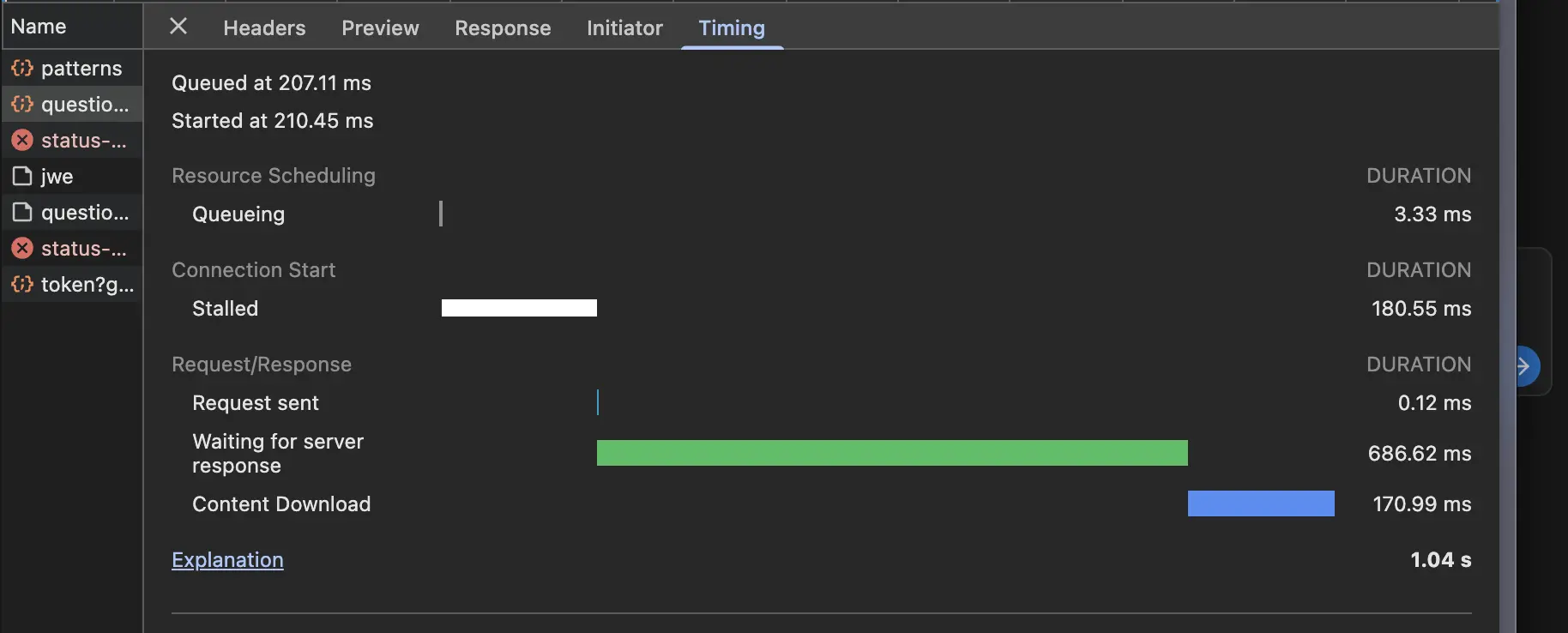
| Metric | Before | After | | --- | --- | --- | | DB queries per request | ~170 | 1–2 | | API response time | Degraded (noticeable delay) | ~1.04s total | | Status payload size | Full objects | ~95% smaller | | Initial render | Blank screen | Skeleton loader |
No architectural rewrite.
No new framework.
Just **measuring, understanding, and fixing**.
---
How to Verify This Yourself
1. Enable SQL logging 2. Call `/api/v1/questions` 3. Count SELECT statements in logs - Before: N+1 explosion - After: 1–2 queries 4. Use Chrome DevTools: - Compare TTFB - Compare payload sizes
---
Key Takeaways
- If you haven’t checked SQL logs, you don’t know your performance - N+1 problems hide in “working” APIs - Backend performance directly affects frontend UX - Small, focused changes beat over-engineering
---
Final Thought
This wasn’t about making the app “faster”.
It was about **respecting the database, the network, and the user’s time**.
And honestly?
That mindset matters more than any framework choice.